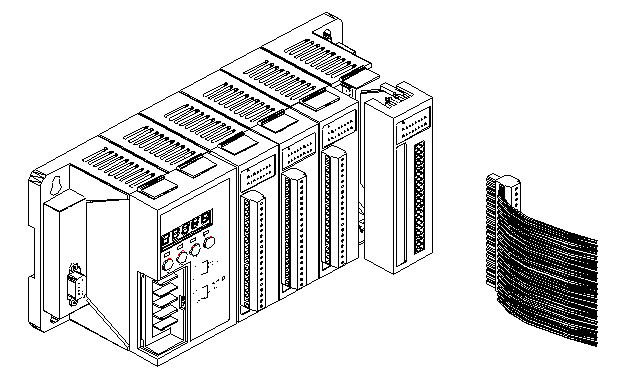
Step1: Read the document at the following location
For I-8000 series modules the files are located at:
CD:\ Napdos\DCON\IO_Module\8k_module.htm
ftp://ftp.icpdas.com/pub/cd/8000cd/napdos/dcon/io_module/8k_modules.htm
For I-87K series modules the files are located at:
CD:\ Napdos\DCON\IO_Module\87k_modules.htm
ftp://ftp.icpdas.com/pub/cd/8000cd/napdos/dcon/io_module/87k_modules.htm
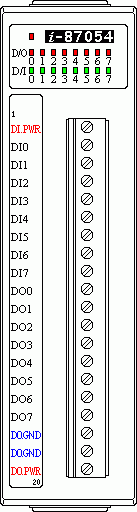
These *.chm files include the I/O module specifications, pin assignments, wire connections. For example, the pin assignments and wire connections are as follows.
Pin assignment
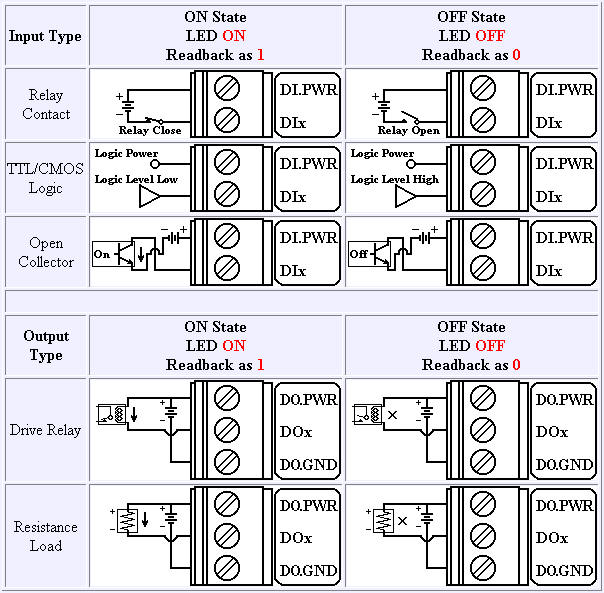
Wire Connection
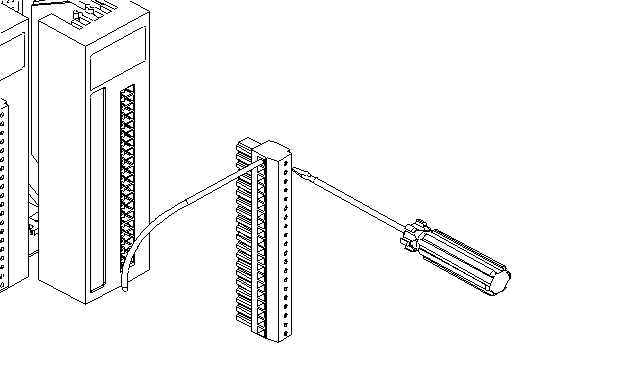
Step2: Connect the wire
Step3: Insert the I/O module into the 8KE4/8KE8